







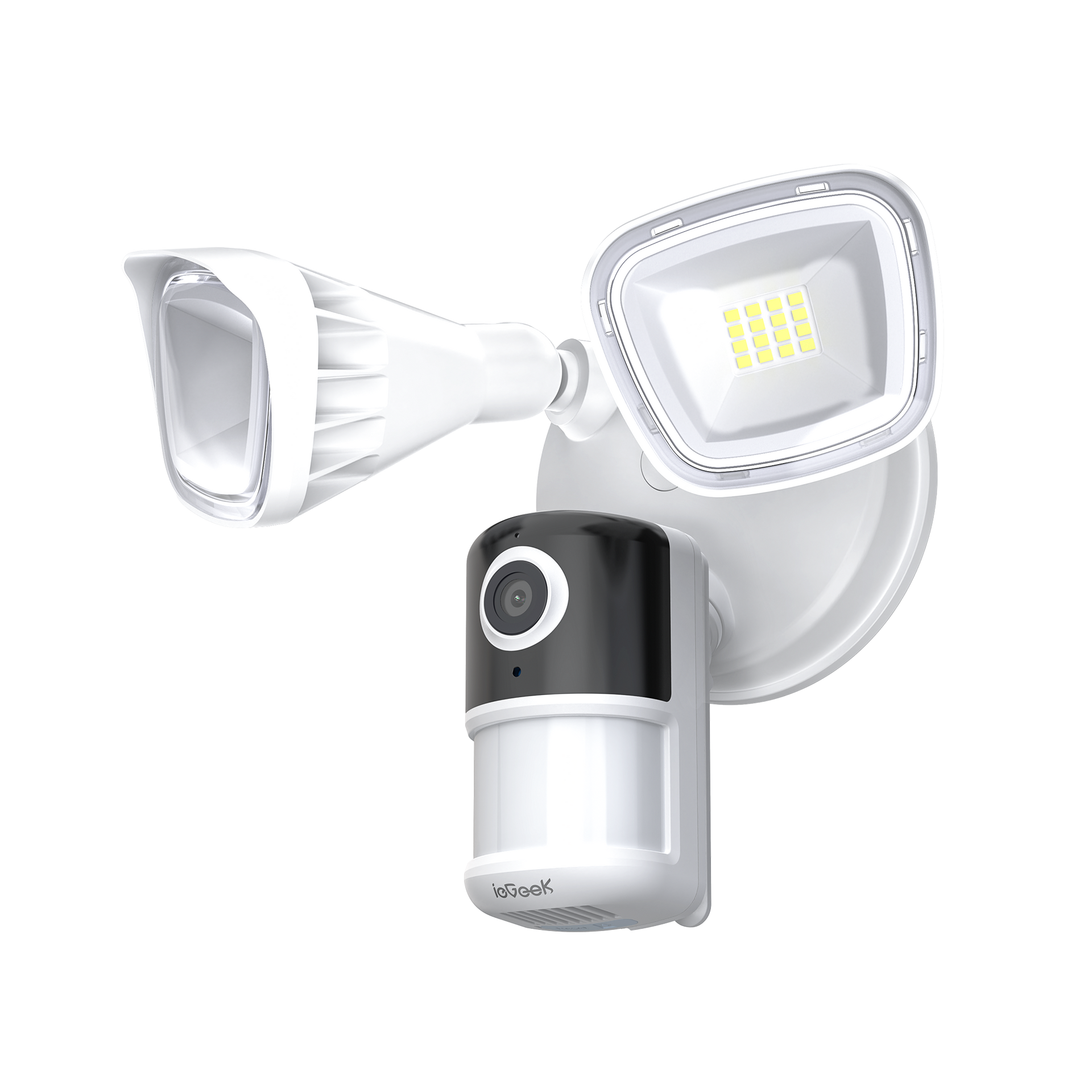


ieGeek Floodlight-Kamera ZY-E2
- Upgrade auf 5 MP und Dual-Band-WLAN: Halten Sie jedes Detail in beeindruckender Klarheit mit unserer hochauflösenden 5-MP-Flutlichtkamera fest. Dank fortschrittlicher IR-Strahler sehen Sie im Dunkeln bis zu 15 Meter weit und erhalten so eine zuverlässige Überwachung bei Tag und Nacht, um Ihr Eigentum und Ihre Liebsten zu schützen. Diese Outdoor-Flutlichtkamera unterstützt Dual-Band-WLAN (2,4 GHz und 5 GHz) und sorgt so für eine stabile, zuverlässige und schnellere Datenverbindung für alle Ihre Überwachungsanforderungen.
- Einfache Einrichtung & Fernzugriff auf die Kamera: Die Außenleuchte mit Kamera verfügt über ein fest verdrahtetes Design für eine einfache Installation, benötigt lediglich eine vorhandene Anschlussdose und ist in nur 5 Minuten einsatzbereit. Laden Sie die kostenlose ieGeek Cam App herunter, um Ihr Sicherheitssystem zu Hause bequem zu verwalten und Ihre Sicherheit durch Überwachung, Bewegungserkennung, intelligente Benachrichtigungen, Beleuchtung, 110-dB-Sirene, Echtzeit-Kommunikation über 2-Wege-Audio oder die Kompatibilität mit Alexa usw. zu erhöhen. Für alle, die Familie und Beruf unter einen Hut bringen müssen: Sie verpassen keine Zeit mit Ihrer Familie und gewährleisten gleichzeitig deren Sicherheit und Privatsphäre.
- Bewegungserkennung & Sofortbenachrichtigungen: Die Outdoor-Überwachungskamera verfügt über einen 150°-PIR-Bewegungsmelder, der die zwei 2.600-Lumen-Flutlichter aktiviert bzw. einen Alarm auslöst, sobald jemand den Erfassungsbereich betritt, was die Sichtbarkeit und Sicherheit erhöht. Zudem werden Echtzeit-Alarmbenachrichtigungen an Ihr Smartphone gesendet, damit Sie jederzeit über Aktivitäten auf Ihrem Grundstück informiert sind. Die Kamera unterstützt die benutzerdefinierte Bereichserkennung zur gezielten Objektüberwachung und ermöglicht die Anpassung der Empfindlichkeit (Stufe 1-10) sowie der Leuchtdauer der Flutlichter an Ihre spezifischen Bedürfnisse, um eine optimale Sicherheitsabdeckung zu gewährleisten.
Build Smart Security Bundle - Save Extra 10%
Build Smart Security Bundle - Save Extra 10%
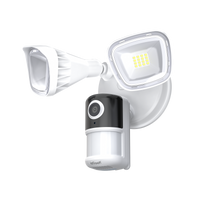
ieGeek ZY-E2
Choose Indoor Security Cams
Add products to build your bundle
ieGeek Innenkamera SC1 Pro
ieGeek Überwachungskamera SC1
Choose Baby Monitors
Add products to build your bundle
ieGeek Babyphone Baby 1T
ieGeek Babyphone Baby 5
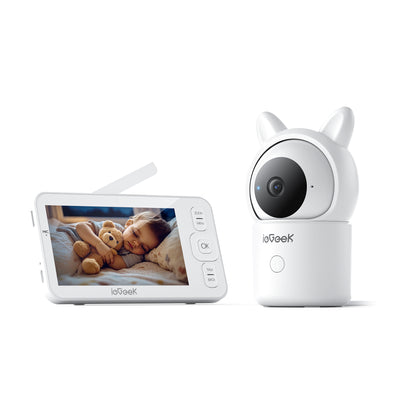
ieGeek Babyphone Baby 7
Choose Video Doorbells
Add products to build your bundle
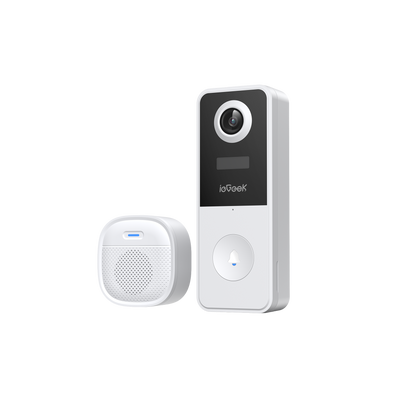
ieGeek Türklingelkamera Bell J10
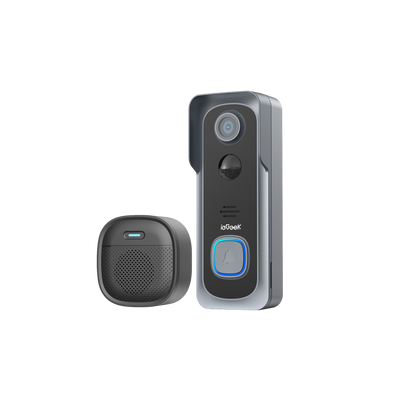
ieGeek Türklingelkamera Bell J1
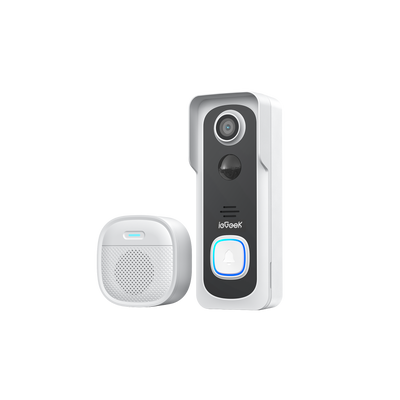
ieGeek Türklingelkamera Bell J9

ieGeek Türklingelkamera Bell J9 Plus
0 products selected
0 products selected
0 products selected

-
 Fast, Free Shipping
-
 30-Day Money-Back Guarantee
-
 Hassle-Free Warranty
-
 Lifetime Customer Support


5MP QHD Image Quality
Capture license plates or facial details with ieGeek’s 5MP QHD resolution — 2.5X sharper than standard 1080p cameras. Perfect for driveways, gates, or retail stores.


Capture Stunning Detail Wirelessly

Capture Every Detail: Every moment is captured with brilliant, crystal-clear clarity.

Powerful Night Vision: See clearly in the dark with a Night Vision range of 25m (82 ft).

Illuminating Dark Pathway: Powered by two super-bright 2600LM LEDs. Easily set the brightness level manually to suit your needs and save energy.

Enjoy a Reliable Connection: ZY-E2 ensure stable performance with dual-band Wi-Fi (supporting 2.4 and 5 GHz networks).

One-Touch Pairing: Ensures a 50% faster, highly reliable connection with double the success rate of a standard WiFi setup.
Secure Your Arrival Home Smartly

The Floodlight Camera ZY-E2 flashes bright lights and sounds a siren to instantly halt suspicious activity.

PIR motion detection, with adjustable 1-10 sensitivity, ensures high-accuracy movement detection to reduce false alarms and send real-time phone alerts.

Optional sound detection allows for immediate response to noises like a crying child playing in the yard.

The built-in microphone and speaker enable two-way communication to speak with visitors or deter thieves, whether you are nearby or not.

Focusing on protection, the system allows you to set customized alerts based on your needs, significantly reducing unwanted false alarms.
Permanent Protection with Easy Installation

Activate protection immediately with a three-step camera installation.

Choose the mounting method that best suits your security needs.

What's in the box: All included components are shown here.

IP65 weatherproof rating ensures the camera is ready for any season and the toughest weather conditions.

Secure Data Storage, Encryption Protection
Cloud: Support Free Lifetime Cloud Storage (Record 6s and 7 Days Loop Coverage)
Local: MicroSD Card (10-128GB, not included)

Sharper Details You Can See
Supports 7*24h recording, which can be selected as needed
Provides easy access to live footage and recordings from anywhere at any time.

Enjoy Easy-to-Use App Access
Fully 50% of positive customer reviews highlight the simplicity and ease of use of the "ieGeek Cam" app.

Customize Security Lighting Plan
The built-in intelligent control chip allows you to customize lighting time or set the light to remain constantly on, ensuring automatic activation at the designated time.

Multi-user sharing
Easily share access to your outdoor surveillance camera with family members, allowing everyone to participate in safeguarding your home.

Multi-View Remote Monitoring
Monitor and control up to four cameras simultaneously for expansive coverage, allowing you to view live feeds from anywhere at any time.
Technical Specifications
- Video Resolution 5MP
- Video Compression MP4 (File Format)
- Illumination (Floodlight) 2600lm
- Color Temperature 6000K
- Color Night Vision Supported (with Spotlight)
- Night Vision (Infrared) Max. 15m (50ft)
- Field of View 130°
- Motion Detection Supported
- Smart Detection Human Motion Detection
- PIR Angle 150°
- PIR Detection Range Max. 12m
- Detection Sensitivity 10-level adjustment
- Customizable Alarm Schedule Supported
- Alarm Zone Supported
- Power Supply Hard-Wired
- Storage SD Card (Max. 128GB) & Cloud Storage
-
Recording
Motion-triggered &
24/7 recording
- APP CloudEdge / ieGeek Cam
- Network Connection 2.4G / 5G Wi-Fi
- Smart Home Integration Alexa
- Two Way Audio Supported
- Multiple User Sharing Supported
- Quad-viewing Supported
- Waterproof IP65
Customer Reviews
Frequently Asked Questions
Can the ieGeek Floodlight Camera ZY-E2 connect to both 2.4G and 5G Wi-Fi? Which one should I choose?
Yes—ieGeek Floodlight Camera ZY-E2 supports both 2.4GHz and 5GHz Wi-Fi bands. Choose based on your space and needs:
2.4GHz for outdoor cameras far from the router, or areas with thick walls.
5GHz for indoor cameras or outdoor cameras close to the router.
Does ieGeek Floodlight Camera ZY-E2 record 24/7, or only when motion is detected?
You can choose either mode, depending on your needs:
- Motion-only recording: Triggers recording only when the PIR sensor detects motion (paired with your custom zones and sensitivity). Saves storage space and is ideal if you want to focus on events (e.g., someone approaching your door).
- 24/7 recording: Records nonstop (requires a power source—batteries, if applicable, won’t last for 24/7 use). Best for high-security areas (e.g., business entrances) where you need a full timeline of activity.
Does the ieGeek ZY-E2 have smart motion detection to reduce false alarms?
Yes, the camera features smart detection that identifies human activity and reduces false alerts from pets, vehicles, or moving branches, ensuring you only get notified when it truly matters.
What should I do if the LED lights are always on?
1.Check whether the 'LED’ button in the APP is turned on.
2. Check whether there is a problem with the time setting in the 'Light Schedule'.
What should l do if the camera falls off during installation?
Please don't worry, the camera can be installed back. If you don't know how to install it,
please contact us.
How to operate if I want to update router or Wi-Fi password?
Delete the floodlight camera from your CloudEdge account. After resetting the device, use the new Wi-Fi or password to add it again.
What should l do if the phone cannot receive the alert notification?
1.Turn on the push permission of the "CloudEdge" APP in the phone system.
2. Ensure that the device's motion detection is turned on successfully.
3. Restart the phone. Try to clear the cache if your phone is Android system.
4. Check whether the network is good.


