









ieGeek Babyphone Baby 7
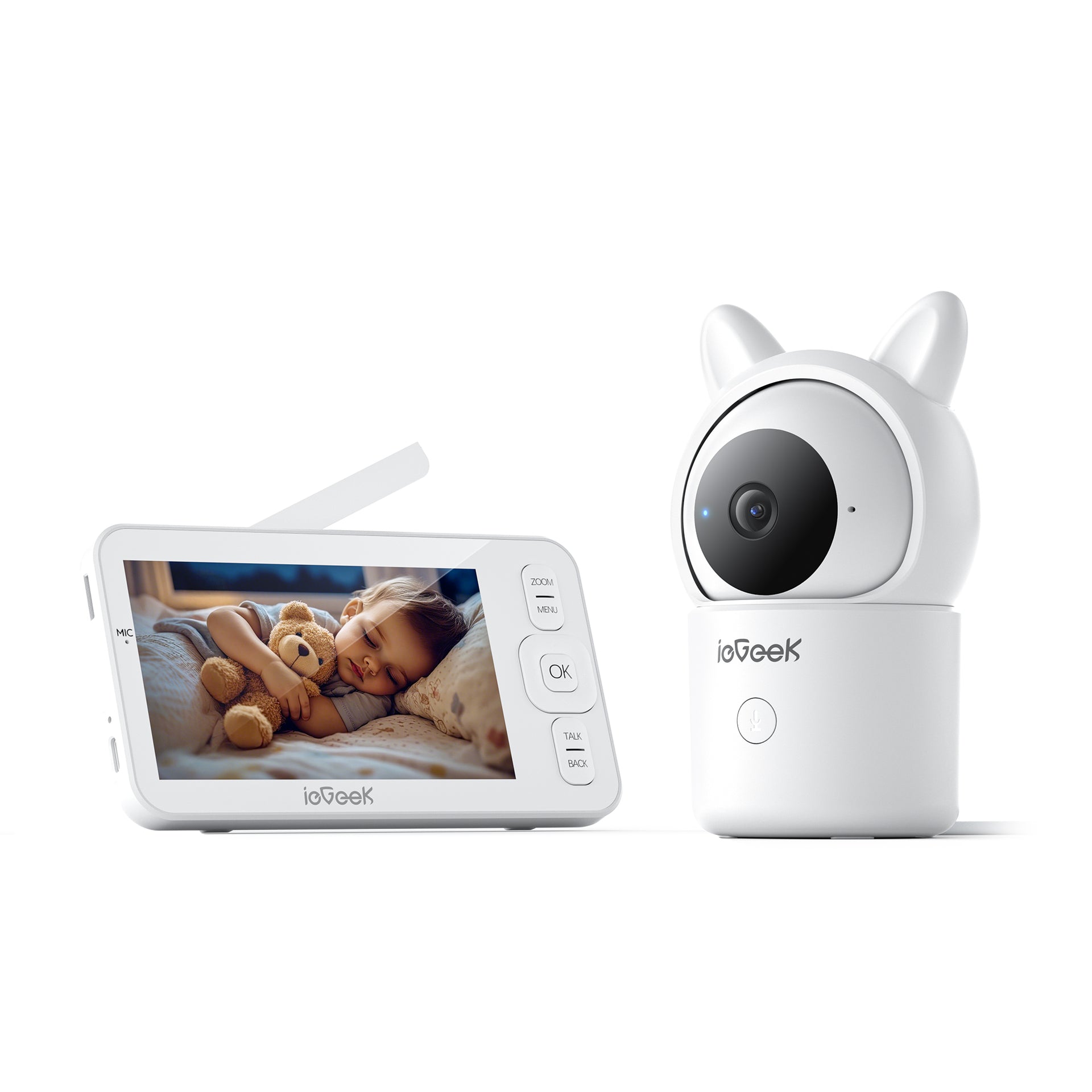
- 5" HD Display with Night Vision: See every detail on a crisp 5-inch 720p screen, day or night, with 2k night vision.
- Clear Two-Way Audio: Comfort your baby with your voice in real-time using seamless, crystal-clear audio.
- 360° PTZ monitoring: A fully monitor with 360°PTZ rotation and zooms up to 4x for complete room coverage.
- Smart Motion Alerts & Tracking: Receive instant notifications and let auto-tracking follow your baby's movements for added safety.
- Smart Care Assistant: Simplify parenting with custom feeding timers and real-time room temperature & humidity monitoring.
- Bank-Level Security: Share access with family confidently, protected by advanced encryption that prioritizes your privacy.
Build Smart Security Bundle - Save Extra 10%
Build Smart Security Bundle - Save Extra 10%
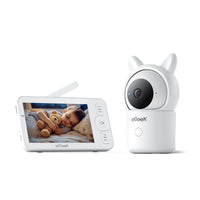
ieGeek Baby 7
Choose Outdoor Security Cams
Add products to build your bundle
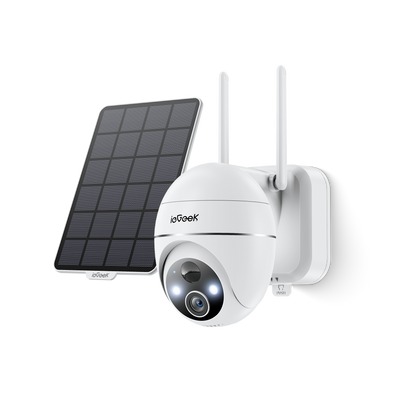
ieGeek Solar-Überwachungskamera ZS-GX4S

ieGeek Solar-Überwachungskamera S5
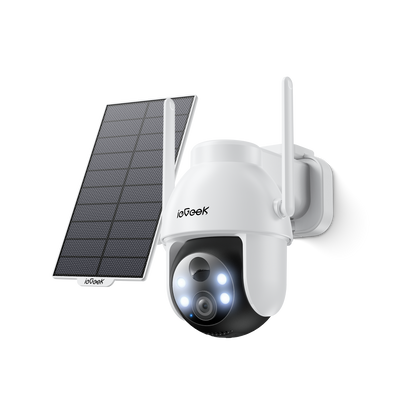
ieGeek Solar-Überwachungskamera ZY-C2
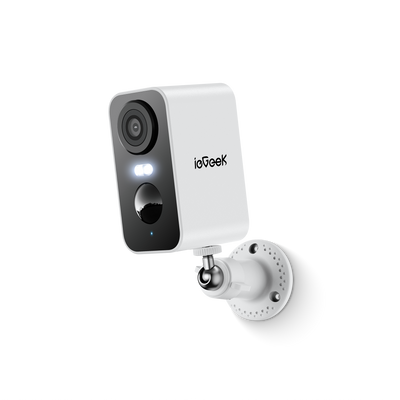
ieGeek Akku-Überwachungskamera ZY-C1
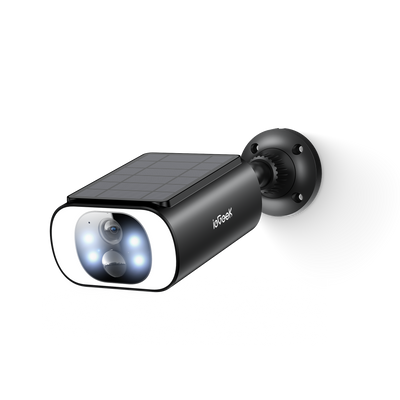
ieGeek Solar-Überwachungskamera S1 Pro
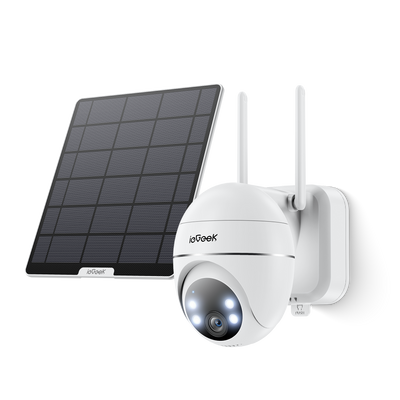
ieGeek kabellose 24/7 Überwachungskamera S7
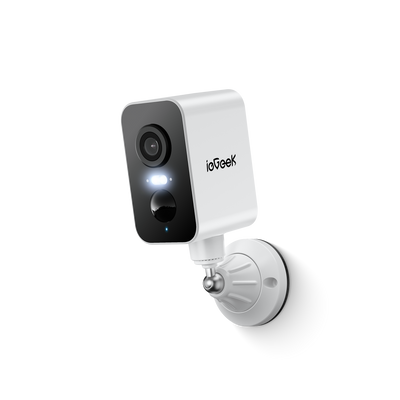
ieGeek Akku-Überwachungskamera S2
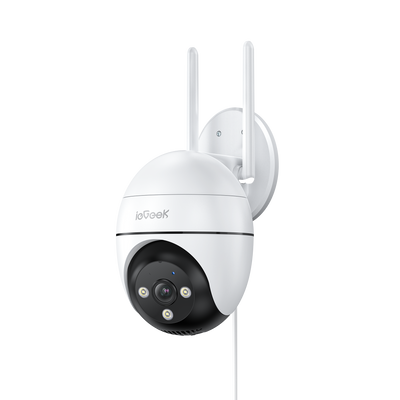
ieGeek Spotlight-Kamera ZS-GQ4
ieGeek Akku-Überwachungskamera ZS-GX3S
ieGeek Solar-Überwachungskamera S1
Choose Indoor Security Cams
Add products to build your bundle
ieGeek Innenkamera SC1 Pro
ieGeek Überwachungskamera SC1
Choose Video Doorbells
Add products to build your bundle
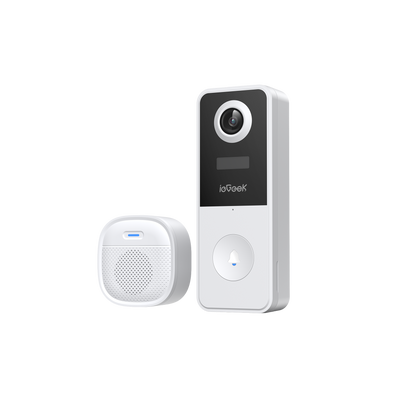
ieGeek Türklingelkamera Bell J10
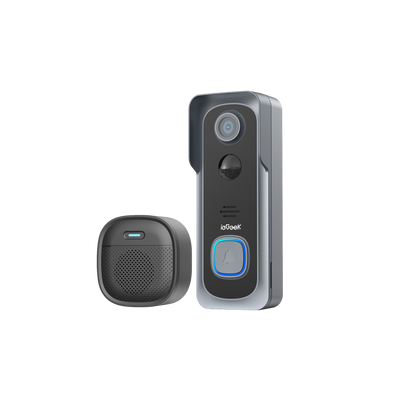
ieGeek Türklingelkamera Bell J1
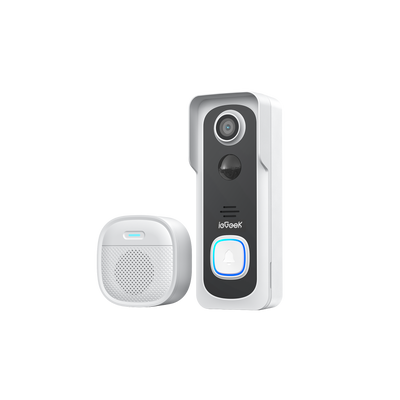
ieGeek Türklingelkamera Bell J9

ieGeek Türklingelkamera Bell J9 Plus
0 products selected
0 products selected
0 products selected

-
 Fast, Free Shipping
-
 30-Day Money-Back Guarantee
-
 Hassle-Free Warranty
-
 Lifetime Customer Support


Long Range
1000ft Connection for Unbroken Bonds
Keep Your Little One Always Within Sight

Seamless Connection
Embrace the freedom of Wi-Fi-Flexible Baby Monitoring.
Connect When You Want, Disconnect when You Don't.

Extra-long Standby
24hours in VOX mode
8hours in regular mode

Dual Security Protection

The ieGeek Baby 7 monitor’s motion detection feature can sense even subtle movements of your baby, and send a gentle alert to your parent unit, so you’ll always know your little one is active and safe.

You can set alarm clock to remind feeding.

It allows you to set an electronic fence around your baby—any movement across this boundary will send an alert to your phone. Smartly recognizing your baby to keep safe.

Temperature and Humidity Detection
Alert if the temperature and humidity are outside the set range.


Technical Specifications
- Screen Size 5.0 inches
-
Resolution
Camera: 1080P
Monitor: 720P - Night Vision Max. 10 meters
- Pan & Tilt Supported (PTZ Technology)
- Digital Zoom 4x zoom
- Two-Way Talk Supported (√)
- Sound Detection Supported (Cry Detection)
- Connection Type 2.4 GHz Wi-Fi (App Control)
- Multi-Camera Support Supports 2 cameras
- Storage Methods SD card (Camera max 128GB, Display max 32GB), Cloud storage (via app)
- Monitor Battery 3.7 Watt Hours
- Camera Power Corded Electric
- Temperature Sensor Supports temperature & humidity monitoring (√)
- Feeding Timer Supported (√)
- Other Smart Features Motion Detection, Motion Tracking, Electronic Fence (Danger Zone), AES128 Encryption for privacy.
Customer Reviews
Frequently Asked Questions
How does sound and cry detection function of ieGeek Baby 7 work?
The sound detection interval is 1 minute, after the sound triggers the alarm, the interval is l minute again to avoid frequent alarms. The cry detection function can detect most babies crying. This function uses a sound filtering algorithm, so some crying may not trigger the 'cry detection' function. Please follow the steps below to connect the camera to the application.
Does the ieGeek Baby 7 display screen need Wi-Fi to connect with the camera?
No, the display screen does not require Wi-Fi to connect to the camera. However, a Wi-Fi connection is necessary if you want to connect your smartphone to the monitor. This gives you the flexibility to choose the connection method that best fits your needs.
Does the ieGeek Baby 7 support multiple cameras?
Yes, the monitor supports up to 2 cameras, allowing you to monitor two areas (e.g., a baby’s room and a playroom) or two children.
How can I add devices or configure my network?
The camera can be connected to both the monitor and the application. Generally, it connects to the monitor by default.
Why I can’t get the notifications with my cell phone App when I connect the camera to the monitor?
Please confirm that the App has been running on the phone, and the relevant reminder function has been opened; Message notification and authority confirmation in the mobile phone system has been opened.


