







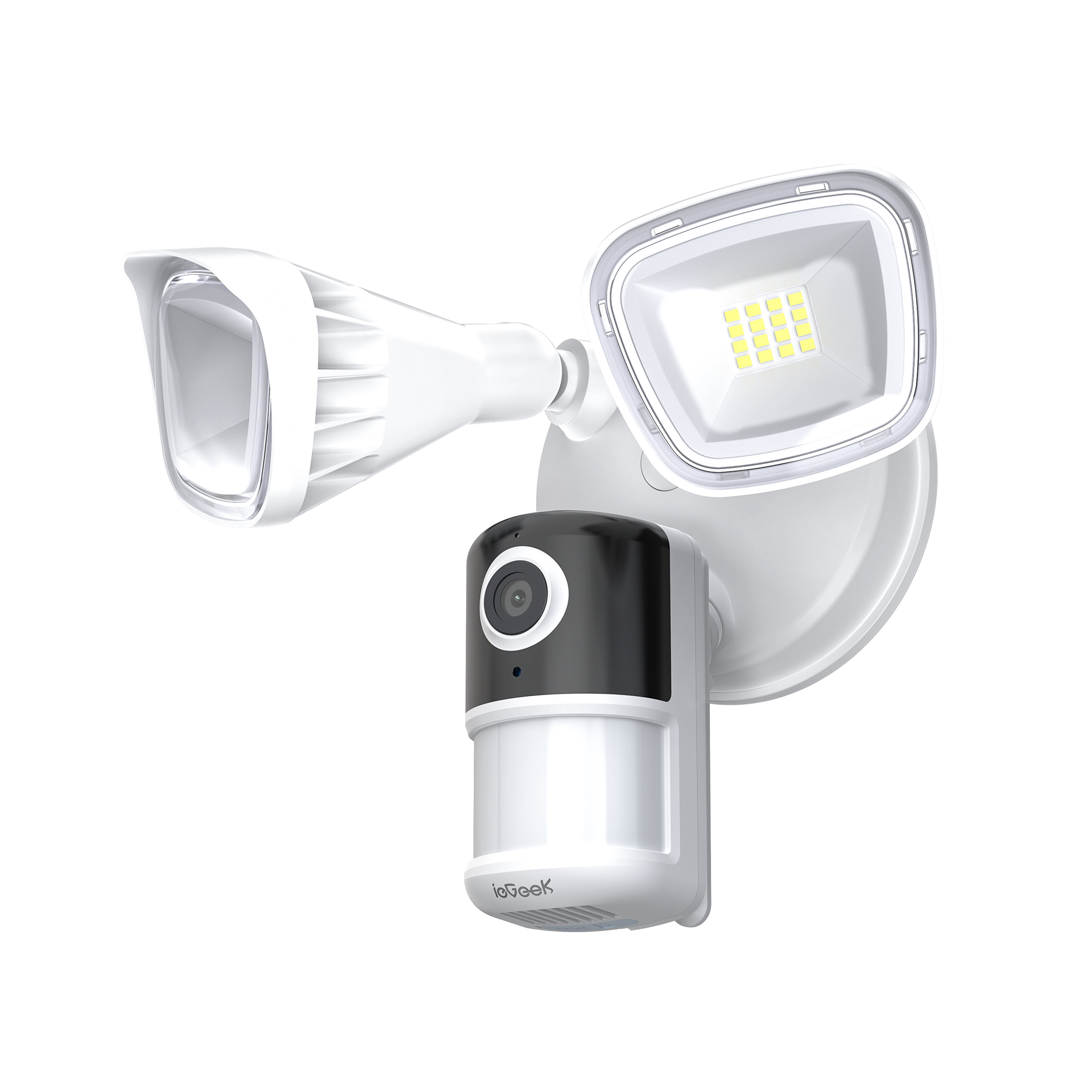


ieGeek Flutlichtkamera ZY-E1
- 5 GHz/2,4 GHz Dual-Band & einfache Einrichtung: Die ieGeek Sicherheitskamera für den Innenbereich unterstützt sowohl 2,4-GHz- als auch 5-GHz-WLAN und schaltet nahtlos um, um eine flüssige Live-Übertragung und eine stabile Verbindung ohne häufige Verbindungsabbrüche zu gewährleisten. Einfach einstecken, die Innenkamera mit Ihrem WLAN verbinden und in weniger als 5 Minuten einrichten. Sie können sie anschließend überall in Ihrem Zuhause aufstellen oder sogar an der Decke montieren!
- 5 MP UHD & automatische IR-Nachtsicht: Diese Haustierkamera für den Innenbereich mit Smartphone-App bietet 5MP Super HD, um jedes Detail Ihres tierischen Lieblings klar einzufangen. Die integrierten Infrarot-LEDs ermöglichen eine Nachtsicht von bis zu 15 Metern, sodass Sie auch bei Dunkelheit genau sehen können, was Ihr Hund im Maul hat. (Keine Akku-Kamera, muss für den Betrieb an den Strom angeschlossen werden)
- Auto-Tracking & Echtzeit-Benachrichtigungen & 360°-Ansicht: Diese Hundekamera ist mit intelligenter Bewegungserkennungstechnologie ausgestattet, erkennt Bewegungen und sendet sofortige Benachrichtigungen an Ihr Smartphone. Öffnen Sie einfach die ieGeek Came App, um Ihren Hund in Echtzeit im Blick zu behalten, egal wo Sie gerade sind. Wenn Sie zudem die automatische Bewegungsverfolgung aktivieren, verfolgt die Kamera automatisch alle Aktivitäten im Raum mit einem horizontalen Sichtfeld von 360° und einem vertikalen Sichtfeld von 55°.
- Cloud-/Lokalspeicher & 24/7-Aufnahme: Die von dieser Babykamera rund um die Uhr aufgezeichneten Videos können auf einer Speicherkarte (bis zu 256 GB, nicht im Lieferumfang enthalten) oder im kostenlosen Cloud-Speicher-Basisdienst (6 Sekunden Aufnahme und 7-tägige Loop-Abdeckung) gespeichert werden. So können Sie die Videoaufnahmen des Tages wiedergeben und nachsehen, wo Ihr Baby letzte Nacht den Schnuller gelassen hat.
Build Smart Security Bundle - Save Extra 10%
Build Smart Security Bundle - Save Extra 10%
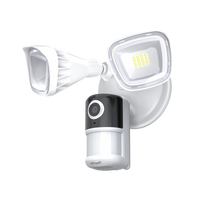
ieGeek ZY-E1
Choose Indoor Security Cams
Add products to build your bundle
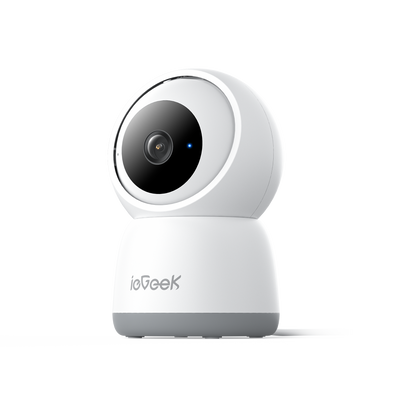
ieGeek Innenkamera SC1 Pro
ieGeek Überwachungskamera SC1
Choose Baby Monitors
Add products to build your bundle
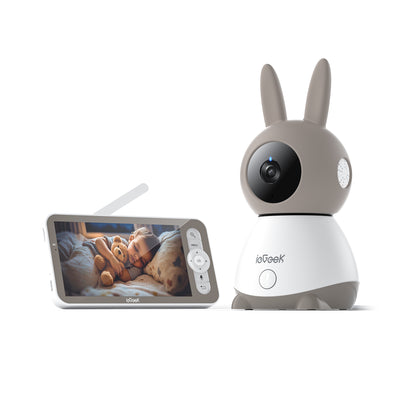
ieGeek Babyphone Baby 1T
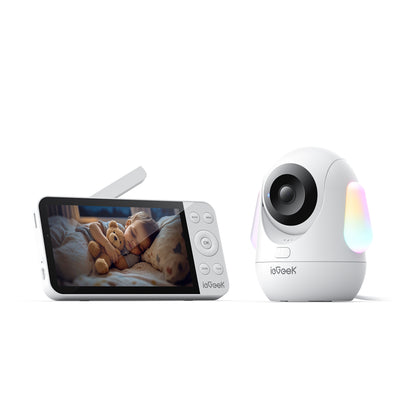
ieGeek Babyphone Baby 5
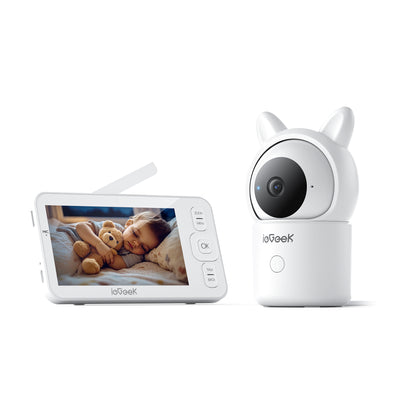
ieGeek Babyphone Baby 7
Choose Video Doorbells
Add products to build your bundle
0 products selected
0 products selected
0 products selected

-
 Fast, Free Shipping
-
 30-Day Money-Back Guarantee
-
 Hassle-Free Warranty
-
 Lifetime Customer Support


3MP Image Quality
Featuring2K (3MP) Ultra HD resolution, you capture every detail with superior sharpness.


- Covering a wide 150° field up to 49ft (15m), the motion sensor instantly activates the 6000K floodlights and alarm system, sending an immediate notification to your ieGeek Cam App.
- At night, the lights automatically turn on upon motion. Use the app to manually trigger the powerful 110dB siren for immediate intruder deterrence.

- The camera features 2600-lumen super bright LEDs with 7 customizable brightness levels, allowing you to optimize lighting for your needs while conserving energy.
- Easily adapt the lighting to any occasion: maximize brightness for filming a lively party or minimize it for quiet moments like admiring the moon.

- The outdoor wireless security camera has a built-in intelligent control chip that lets you set the light to be always on or customize the lighting time. The light will automatically turn on at the corresponding time. You also can turn on or off light freely.
- For example, if you go home at 6pm, have dinner in the backyard, read a book, and go back to the room at 10pm to rest, you can set your lights to turn on from 6pm-10pm.
Image Clear When Zooming in
iegeek security camera adopts 1/2.7'' 3Mega CMOS image sensor which brings you HD, FHD images. Meanwhile,130° wide-angle help to detect and scar away intruders before they approach your car.
Offer you peace of mind day and night.


- Utilizing PIR temperature recognition technology, the camera quickly identifies true motion, sending real-time notifications while effectively reducing false positives by up to 80%.
- AI detection accurately identifies various objects, including people, animals, and vehicles. (Note: These advanced AI detection features require a paid subscription.)

- The built-in microphone and speaker not only allow for clear video sound recording but also enable two-way talk to greet visitors or immediately scare away potential intruders from any location.
- Additionally, the camera can send sound detection notifications to your phone. This allows you to immediately check on activities, such as children playing in the yard, especially if they are crying.

- Seamlessly connect your Floodlight Camera to Alexa to check-in on your home anytime. Use voice commands like "Alexa, show me the garden" to view the live feed and talk to visitors.

- Customize your motion detection zones within the app to reduce unwanted alerts. The camera will only record video and notify you when movement occurs in your specified, most critical areas.
- Designate areas like public roads, bedrooms, or pools as privacy zones. This allows you to focus security where it matters while preserving personal privacy.

- Choose between two storage methods: local Micro SD card storage (2GB-128GB, card not included) or our free basic cloud service, which provides a 6-second, 7-day event loop coverage.
- Both storage options secure your recordings and remote access using bank-level encryption to ensure your data remains protected.

- The motion detection sensitivity can be precisely adjusted across 10 levels, from 1 to 10, within the camera system.
- Set different detection levels to monitor specific targets; this flexibility allows you to monitor both people (like the elderly and children) and small animals in your yard.
Secure Install in Multi-scenarios
You can view 4 monitoring screens at the same time, helping you monitor your front door, backyard, side door and garage at once.
Share with up to 5 family members or friends who can help protect your home and have fun together.


Packaging Details
- 1 × ieGeek Floodlight Camera
- 1 × Mounting Plate
- 1 × Installation Hook
- 1 × Central Screw
- 1 × Central Screw Cap
- 3 × Plate Screws
- 3 × Wire Nuts
- 1 × Instruction Manual
TIP: If the camera falls off during installation, please don't worry, the camera can be installed back.
Memory card is not included.
Connect Camera by 2.4G WiFi, not support 5G WiFi.
The junction box and existing electrical wires are required for Floodlight Camera installation.
Not Support PTSP/ONVIF/NVR/FTP.
Technical Specifications
- Video Resolution 2K 3MP (2304*1296)
- Video Encoding H.264
- Illumination (Floodlight) 2600lm
- Color Night Vision Supported (with Spotlight)
- Night Vision (Infrared) Max. 15m (50ft)
- Field of View 130°
- Motion Detection Supported
- Smart Detection Person/Vehicle/Pet/Package
- PIR Angle 150°
- PIR Detection Range Max. 12m
- Detection Sensitivity Three-level adjustment
- Customizable Alarm Schedule Supported
- Alarm Zone Supported
- Power Supply Corded Electric
- Storage SD Card (Max. 128GB) & Cloud Storage
-
Recording
Motion-triggered &
24/7 recording
- APP CloudEdge / ieGeek Cam
- Network Connection 2.4GHz Wi-Fi
- Smart Home Integration Alexa
- Two Way Audio Supported
- Multiple User Sharing Supported
- Quad-viewing Supported
- Waterproof IP65
Customer Reviews
Frequently Asked Questions
How to solve if the ieGeek Floodlight Camera ZY-E1 device prompts offline?
1. Check whether the equipment is in the power-on state, and observe whether theworking indicator of the equipment is on normally.
2. Check whether the WlFl network is in good condition and restart the router.
3. If the device is located far away from the router, which results in the inability to obtain a good Wi-Fi signal. It is recommended to move the router to a closer place or add a Wi-Fi amplifier to improve the Wi-Fi performance.4. Delete the floodlight camera from your Cloud Edge account and add it again after resetting the device.
5. Check whether the device firmware and application are the latest version.
How to solve if can't play historical video?
1.Check the SD card status in "Settings" to ensure that the SD card has been identified successfully .
2. Re-insert the SD card.
3. Format the SD card in the application.
4. Try another new SD card.
What should l do if the phone cannot receive the alert notification?
1.Turn on the push permission of the "CloudEdge" APP in the phone system.
2. Ensure that the device's motion detection is turned on successfully.
3. Restart the phone. Try to clear the cache if your phone is Android system.
4. Check whether the network is good.
What should I do if the LED lights are always on?
1.Check whether the 'LED’ button in the APP is turned on.
2. Check whether there is a problem with the time setting in the 'Light Schedule'.
What should l do if the camera falls off during installation?
Please don't worry, the camera can be installed back. If you don't know how to install it, please contact us.
Does the ieGeek ZY-E1 have smart motion detection to reduce false alarms?
Yes, the camera features smart detection that identifies human activity and reduces false alerts from pets, vehicles, or moving branches, ensuring you only get notified when it truly matters.
How to operate if I want to update router or Wi-Fi password?
Delete the floodlight camera from your CloudEdge account. After resetting the device, use the new Wi-Fi or password to add it again.


